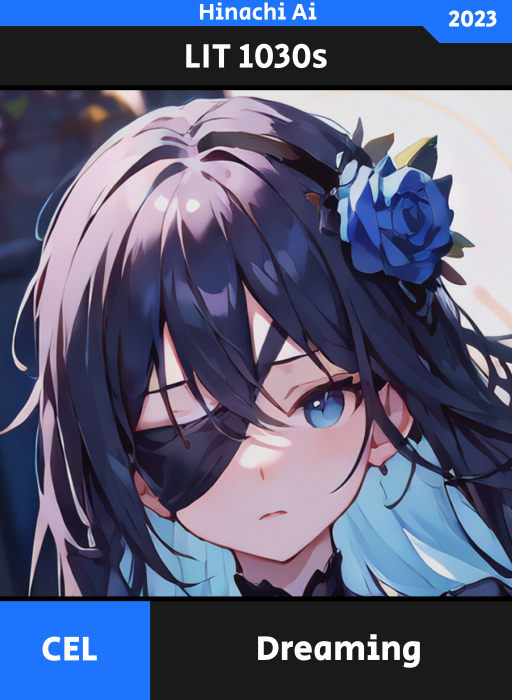
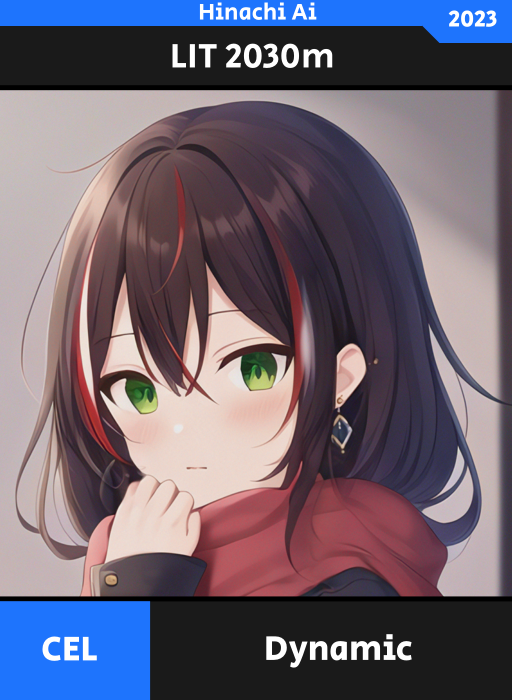
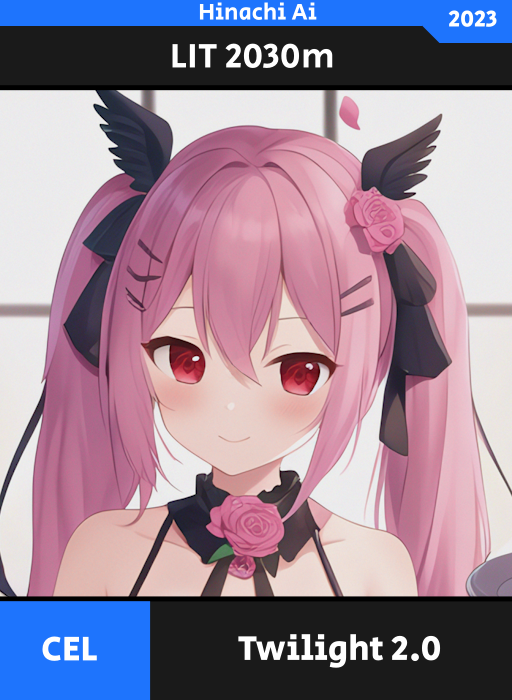
Hinachi Ai is a Xelab AI created by Xenoame that primarily target for “Toon-Anime” art style. Even tho, its primarily build for “Toon-Anime” art style. It’s not limited, Hinachi Ai can also produce realistic art style.
Hinachi Ai was public available in November 3, 2022 but on October 14, 2023 it become a private tool for Xeno Gen Projects due to inefficient budget to maintain for public use.
Hinachi Ai uses combination between diffuser and renderer in order to illustrate an image.
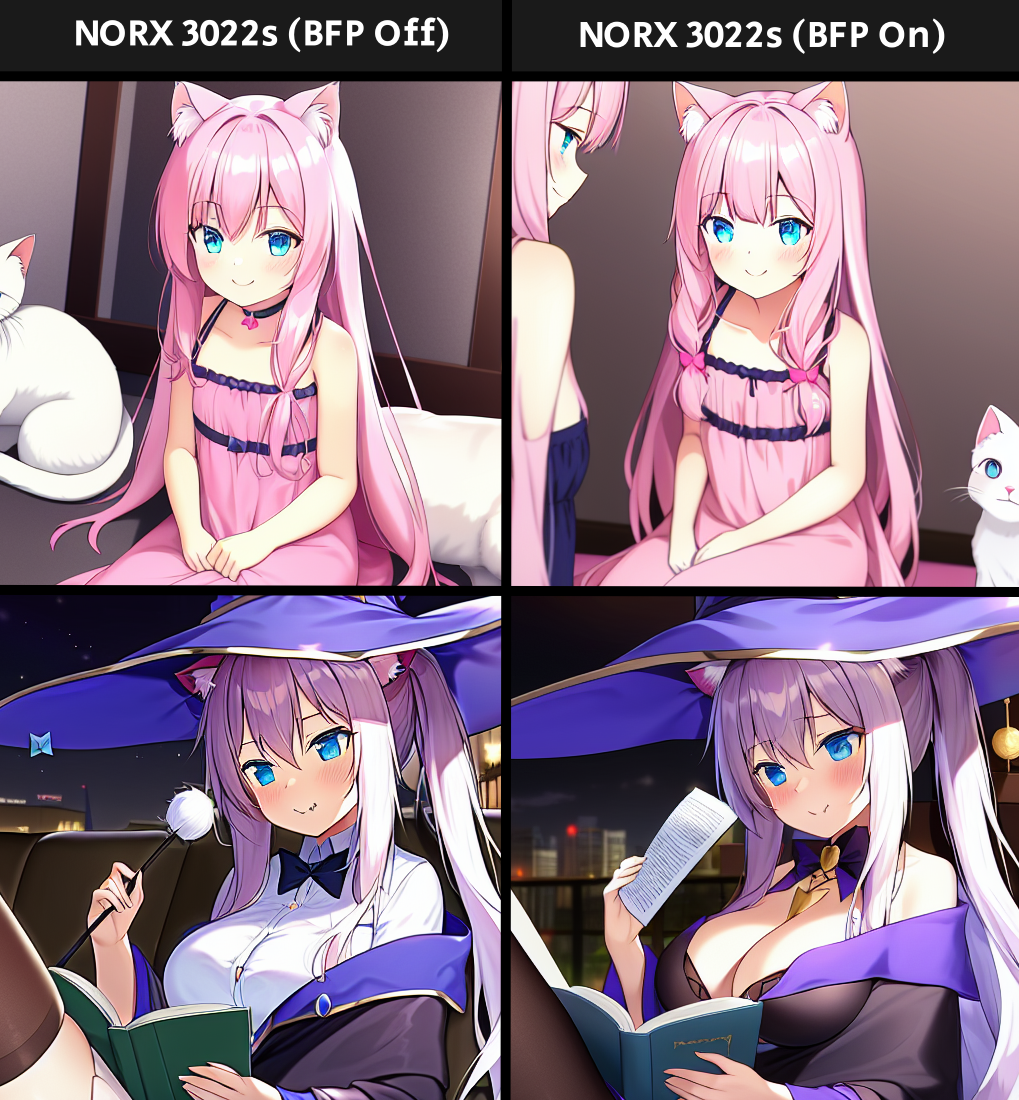
Hinachi Ai can produce image between SFW and NSFW.
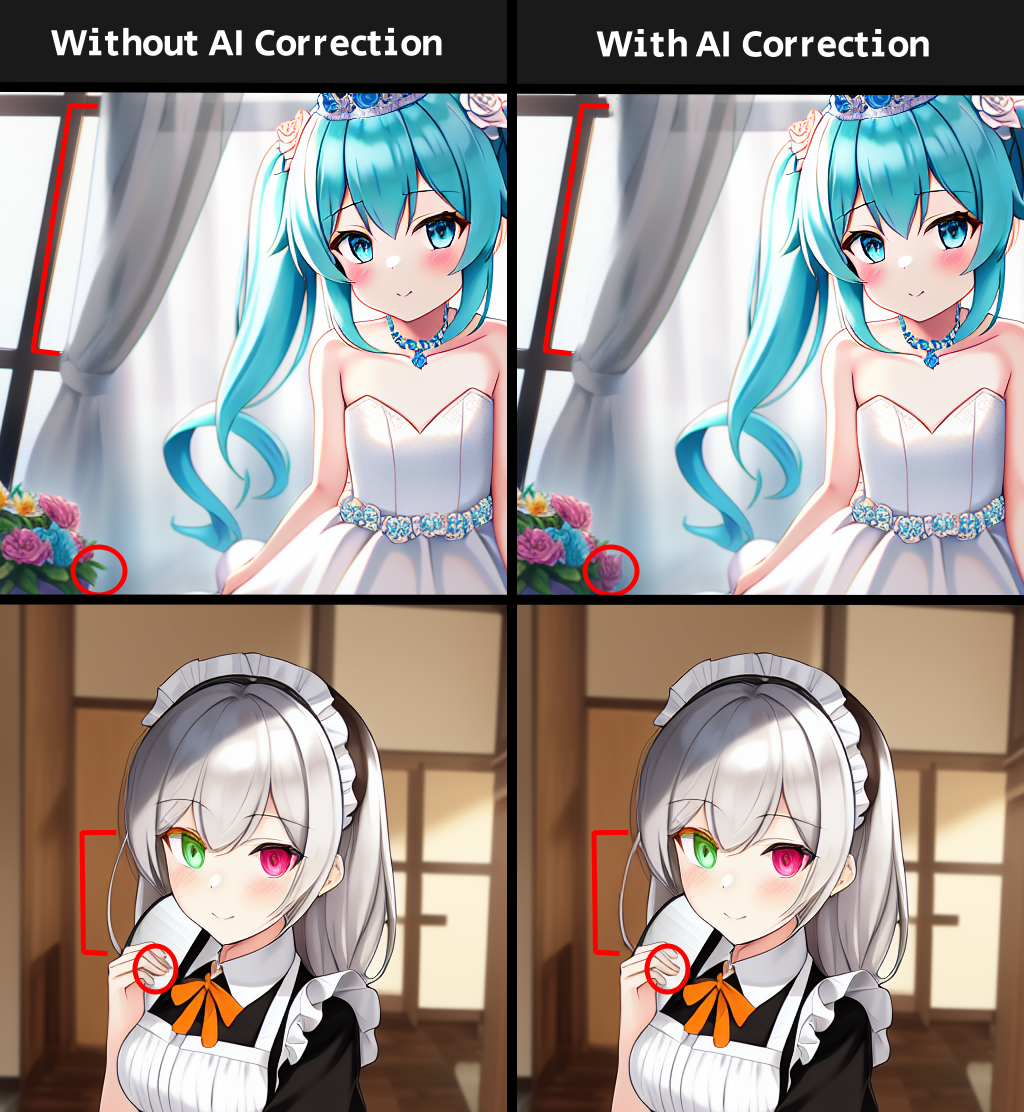
This will help AI Correction to perform more.
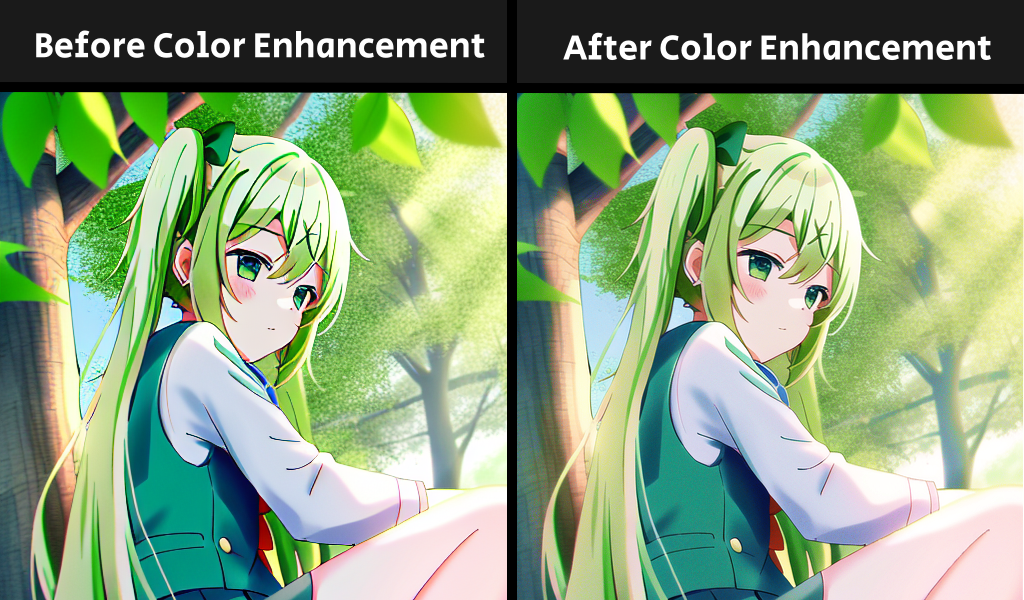
It optimized the renderer by lessening the GPU Usage and the image quality and in exchange of huge performance increase.
It does reduce image quality, but it almost has small difference, and the difference aren’t noticeable when compared to the un-optimized version.
Christmas 2023 Update Version Target: Hinachi Ai (HAi) Version: Hinachi Ai 3.0.2312 New BATCH 1 Pose Editor – Hinachi Ai can now illustrate a specific…
October Update Version Target: Hinachi Ai Version: Hinachi Ai 2.0 Update 2310 Changes BATCH 1 Hinachi Ai will be no longer public available due to…
Jun 2023 Update Version Target: Hinachi Ai Version: Hinachi Ai 2.0.2306 New BATCH 1 Hinachi Ai 2.0 Initial Release New GUI Improved BATCH 1 AI…
- Let Hinachi Ai to decide to whether its full body or upper body.
- Make your description very simple that Hinachi Ai can interpret. Complex and too many details can make Hinachi failed to interpret and give you less quality even with the help of the renderer.
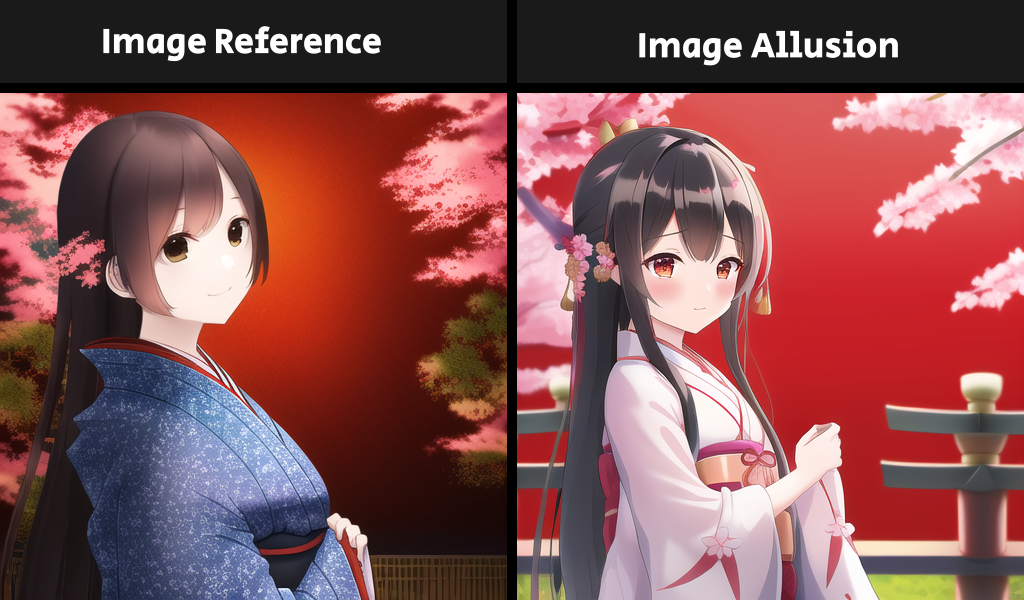
- Avoid using “standing”, “sitting”, “etc…”. because it will give you exactly that. Make your character alive and make Hinachi Ai do it for you or use Image Allusion instead.
- Avoid something that make character hold on too. Example: She is holding a mic, she is holding glass of water, etc… (Sometimes, AI Correction failed to correct them)
- Avoid using “Town”, “Office”, “City”, “etc…” if you want good background instead use “Clean town”, “Busy with office work”, “Wonderful city” but if you want simple background avoid using “Simple Town”, “Simple Office”, “Simple City” instead use “Town”, “Office”, “City”.
- Each renderer is unique but it’s important to choose the correct renderer for your artwork. If you are aiming for Illustration, choose the ‘Exemplar Renderer’ and when you do not aim for Illustration, but you aim for details choose the ‘Exhaustive Renderer’
Do not add something like “Illustration”, “Best Quality”, “etc…”. Hinachi Ai doesn’t read that, but it will only read the important details such as “Girl in a park” rather than “Best Quality of a girl in a park” or “Illustration of a girl in a park”. Then the renderer will come in play to improve the detail of that artwork made by Hinachi Ai.