

Target: Lab Pixel Sprite Editor (L.P.S)
Version: LPS v26.02.28 Alpha
[Developer Note]
This is the initial implementation of the EGU in LPS Editor. The current integration uses LPS Zoom 32x8k Quad 1640 Prototype 6 GB. While this does not represent the final version currently in development, it will be included in the upcoming LPS Editor v26.02.28 Alpha.
Testing was conducted on NVIDIA GTX 1660 Ti with 6 GB of VRAM. During recording, Pix. P. was reduced to 50% due to VRAM constraints introduced by the recording process. Under normal conditions, the GTX 1660 Ti operates at 100% Pix. P. without issues. Systems with less than 6 GB of VRAM require a reduced Pix. P. setting.
Estimated Pix. P. Requirements
The following values are projections and should not be considered definitive benchmarks:
51%-100%: Stable on 6 GB VRAM or higher
50%: Stable on 4 GB VRAM or higher
25%-49%: Intended for systems below 4 GB VRAM
Values below 24 percent are not recommended, as the EGU may fail to initialize or execute properly.
Compatibility Notice
It is acknowledged that the EGU may not function on certain systems. This is due to its reliance on virtualization through the Oblinesis Engine Virtual PC. The Virtual PC environment enforces strict hardware compatibility requirements, which may prevent execution on unsupported configurations.
EGU used in the video:
LPS Zoom 32x8k Quad 1640 Prototype 6 GB, configured with Half Pix. P. enabled and Maximum QT applied. This EGU operates on LSS 1.5.
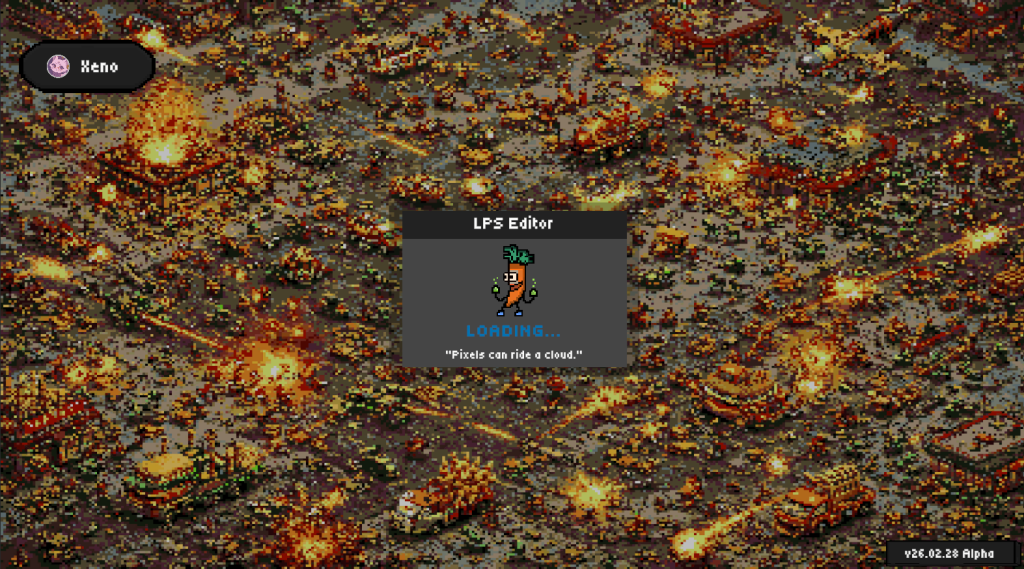
Xelab AI Models v1 will no longer be supported as we switch to Xelab AI v2 models.
LPS Zoom 16x8k – Fine Detail (No Longer Supported)
LPS Zoom 16x8k – Pixel Sharp (No Longer Supported)
LPS Zoom 16x8k – Soft Blend (No Longer Supported)
LPS Zoom 16x4k – Fine Detail (No Longer Supported)
LPS Zoom 16x4k – Pixel Sharp (No Longer Supported)
LPS Zoom 16x4k – Soft Blend (No Longer Supported)
LPS Zoom 8k – Pixel Exact (No Longer Supported)
LPS Zoom 4k – Pixel Exact (No Longer Supported)
Resizing images with Bilinear makes the image darker
Export warning is always showing even without using Enhancer
LPS Zoom has incorrect input but this visually doesnt affect the image output because the Xelab AI was correcting them. (This was fixed and now it is getting correct input and improved Xelab AI to detect more errors)